
See what every AI prompt costs — and rewrite it in one click.
Token Wise estimates the token cost of your prompt on ChatGPT, Claude, Perplexity, Gemini, Grok, Poe, OpenRouter, ChatHub, TypingMind and You.com, then rewrites it to be cheaper and clearer in one click. No setup, no API key, no third-party trackers.
What stays local, what doesn't
A clear, plain-English summary of every piece of data Token Wise handles.
- • Your prompt text as you type
- • The live cost estimate
- • Your settings and preferences
- • Your local optimization history
- • Your prompt, over HTTPS, to our rewriter
- • Used only to generate a rewrite
- • Never stored, never logged, never shared
- • Falls back to a fully offline local rewriter on failure
Optional API monitoring — off by default
Token Wise includes an opt-in setting that estimates your spend across every AI tool you use, not just the chat UIs. It's completely optional and disabled by default.
- Only observes outbound calls to the five supported AI vendor API hosts:
api.openai.com,api.anthropic.com,generativelanguage.googleapis.com,api.x.ai, andapi.perplexity.ai. - Captures metadata only: model id, request size, response size, status code, timestamp.
- Never captures prompt text, response text, auth tokens, cookies, or data from any other site.
- Passes requests through unchanged — never blocks, modifies, or delays them.
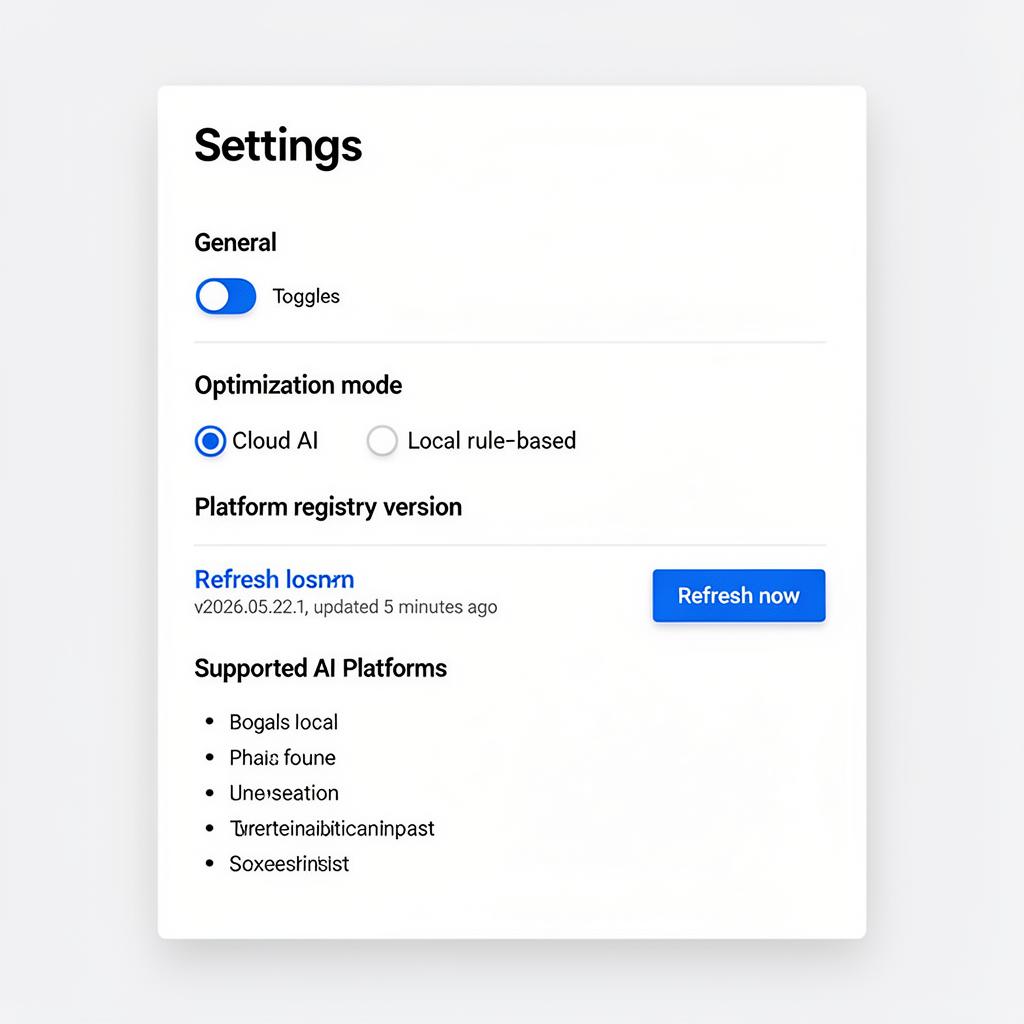
- Turn it on or off at any time from the extension Settings page. A first-run notice explains it before any data is sent.
Optional API monitoring observes direct browser calls to OpenAI, Anthropic, Google, xAI, and Perplexity APIs only. Applications that call AI models server-side are not visible to browser extensions.
Full details on the Privacy page.
Everything you need to spend less on AI
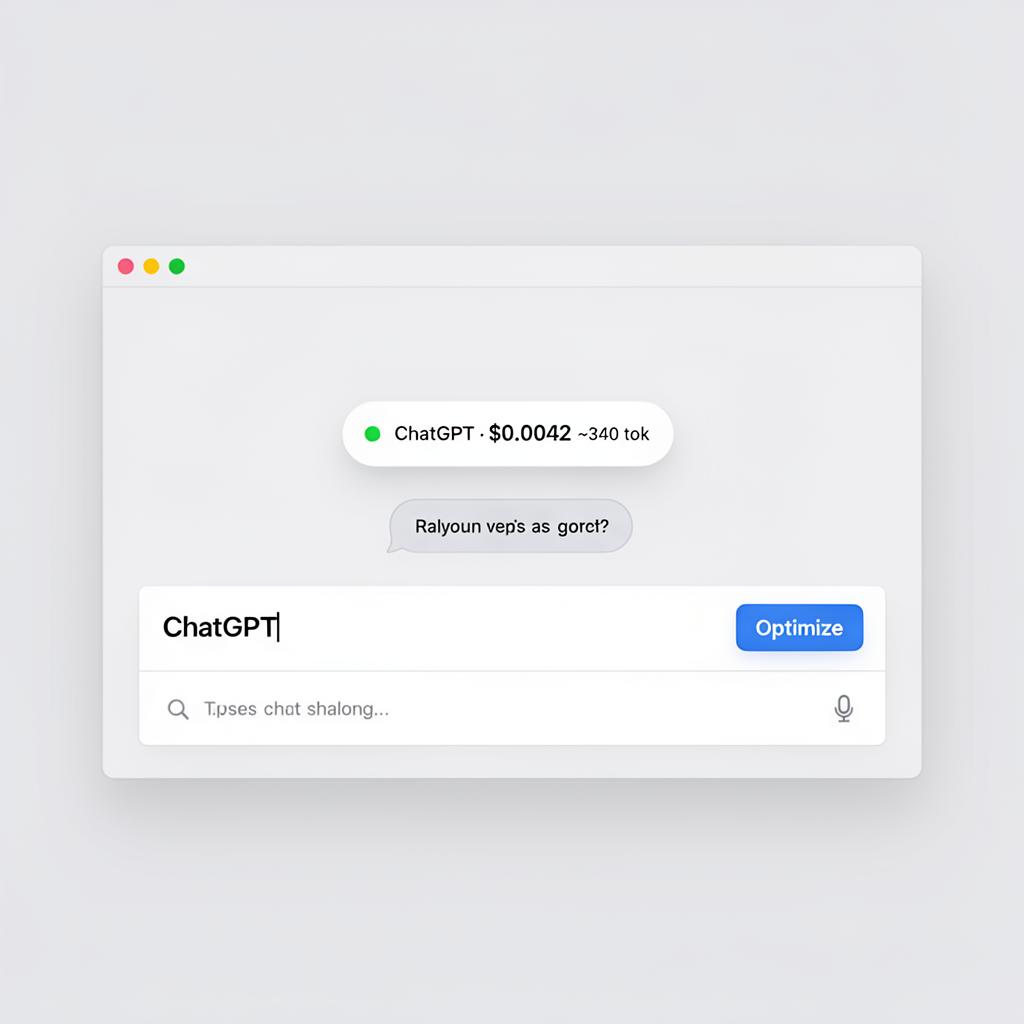
Token count and credit estimate next to the prompt box as you type, color-coded by spend.
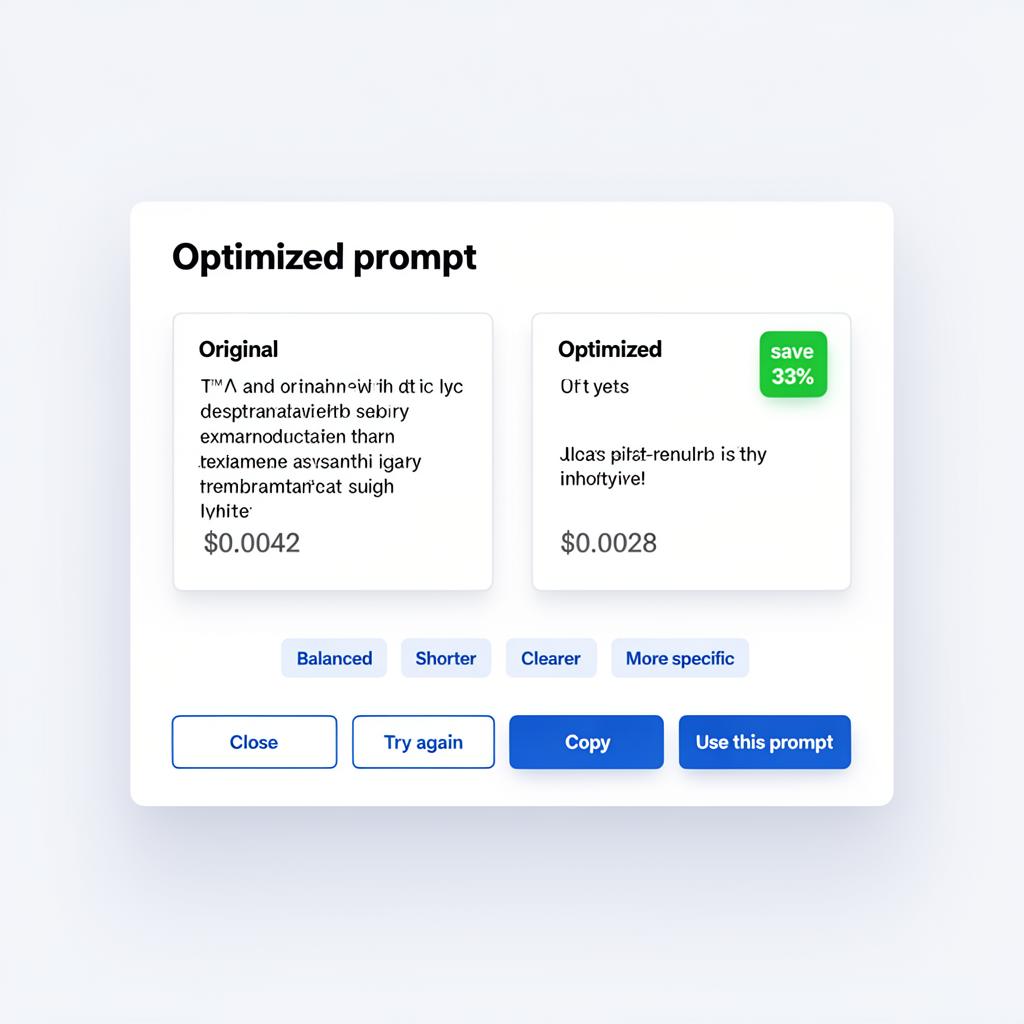
Cloud rewriter trims fluff and tightens intent. Pick Balanced, Shorter, Clearer, or More specific.
Original vs optimized with token and credit diffs, plus copy and use-this-prompt actions.
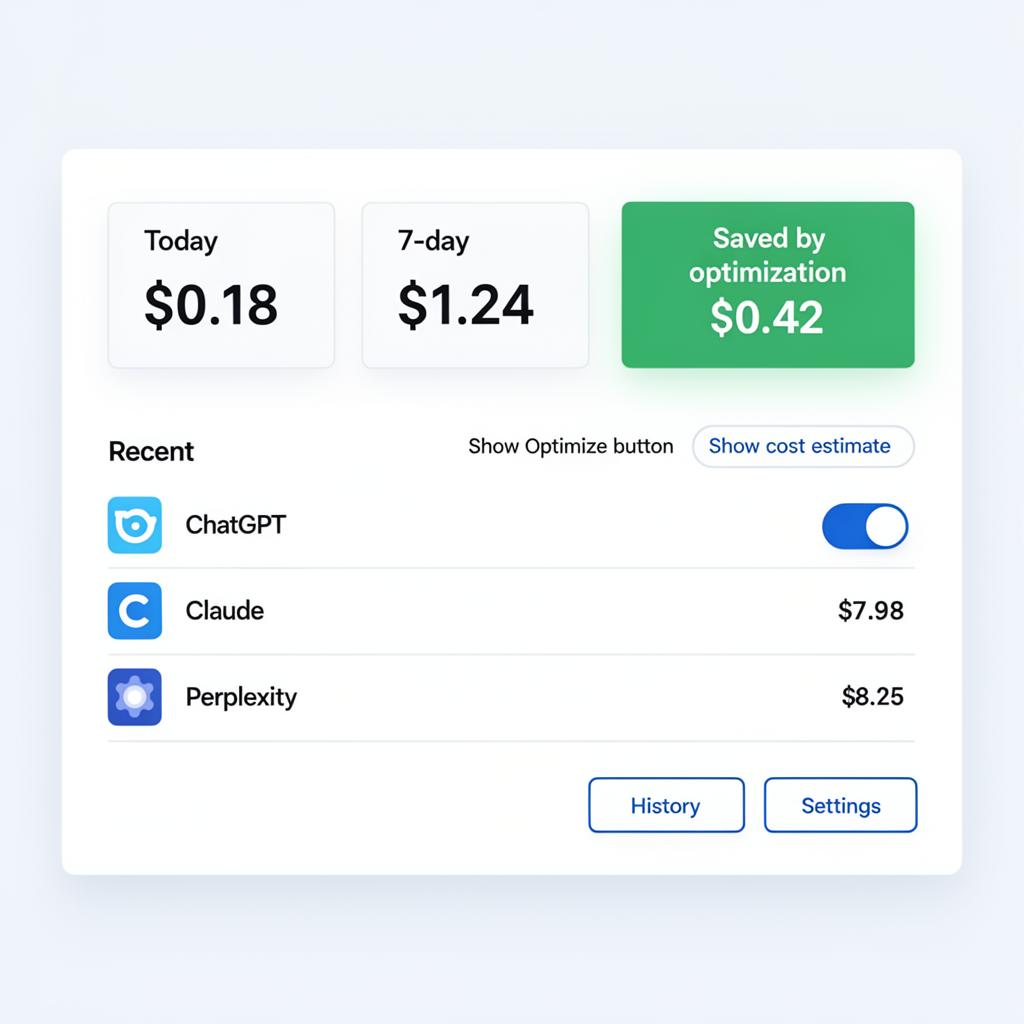
Today, 7-day, and total-saved stats. A 100-prompt history page with CSV export.
Every estimate uses the model's own published per-token rate — see the math on the How it works page.
Alt + Shift + O optimizes the current prompt without leaving the keyboard.
Prompts never leave the browser unless you click Optimize. A local-only mode keeps everything offline.
A look inside
Install in 10 seconds
- 1. Click Add to Chrome above to open the Chrome Web Store.
- 2. Click Add to Chrome on the store page.
- 3. Confirm the extension permissions and click Add extension.
- 4. Open ChatGPT, Claude, Perplexity, Gemini, Grok, Poe, OpenRouter, ChatHub, TypingMind or You.com and start typing.
Works in any Chromium browser: Chrome, Edge, Brave, Arc, Opera. Use Alt+Shift+O to optimize without using the mouse.